Skip to main content
Unlinking an Account from your Wizards Account
- Log in at myaccounts.wizards.com with the email address and password for your Wizards Account.
- On the My Account page under the Connections section, click the Unlink option to the right of that Linked Account that you would like to remove from your Wizards Account.
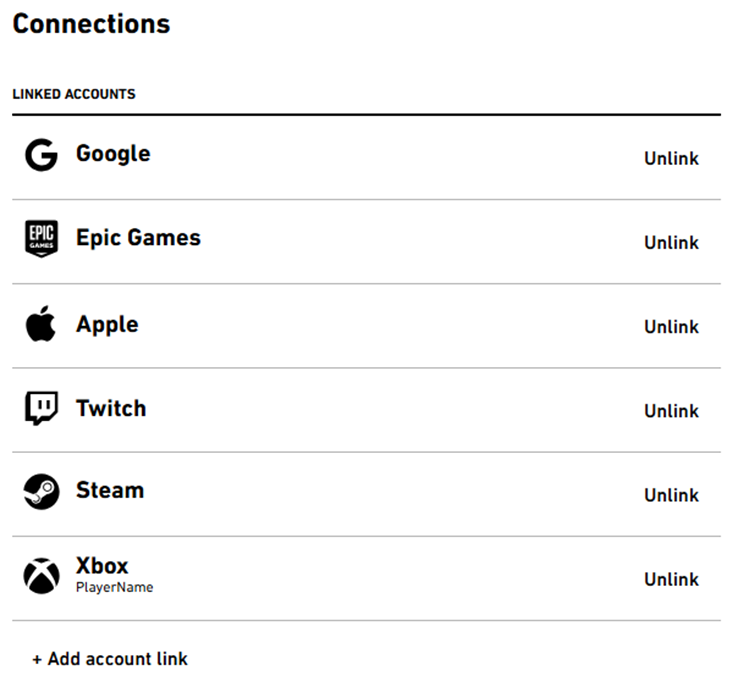
- An “Unlink account” pop-up will appear asking you to confirm if you’d like to proceed with unlinking the account. Click the Unlink button to proceed.

- The Wizards Account will update and the account will be automatically unlinked and removed from the Connections section from your Wizards Account.